

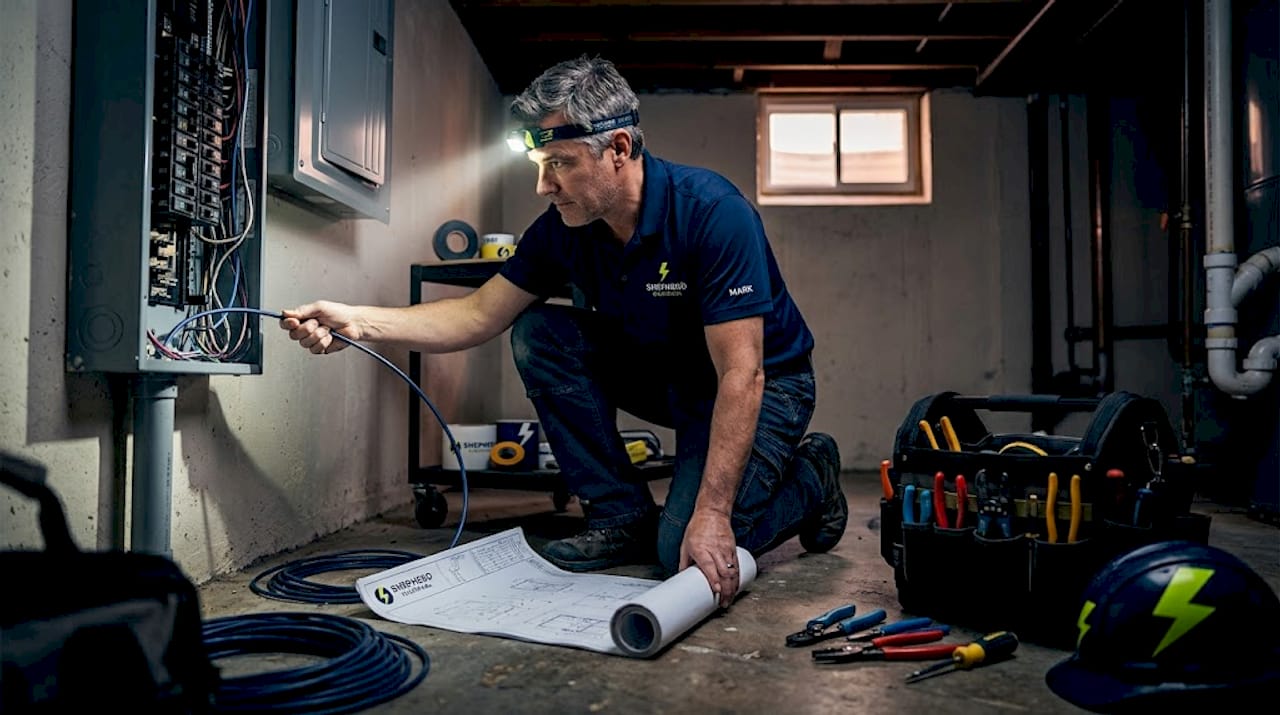
Most homeowners and small business owners in Edmond and the Oklahoma City Metro area think upgrading to a smart home means buying a few voice-controlled gadgets, plugging them in, and calling it a day. The reality is quite different. The devices you see are only as good as the wiring infrastructure hiding behind your walls. Get that infrastructure wrong and you end up with spotty connections, devices that drop offline, and energy savings that never quite materialize. Get it right, and you have a home or business that runs more reliably, costs less to operate, and can grow with your needs for years to come.
Table of Contents
- Understanding smart home wiring: what it is and why it matters
- How smart home wiring is planned and installed
- Types of smart home wiring and device requirements
- Smart home wiring and energy efficiency: what actually works
- A smarter path: what most guides miss about smart home wiring in Edmond and OKC
- Ready to upgrade? Connect with Edmond and OKC’s smart home wiring experts
- Frequently asked questions
Key Takeaways
| Point | Details |
|---|---|
| Infrastructure first | Smart home reliability and performance starts with the right wiring and structured backbone. |
| Plan for future expansion | Pre-wired conduits and spare pathways make upgrades easy and prevent costly wall work later. |
| Device needs vary | Every smart device has unique wiring requirements—match data, power, and control lines for best results. |
| Energy savings are real | Smart thermostats and advanced controls deliver quantifiable energy savings for Edmond and OKC properties. |
| Professional guidance matters | Expert electricians help ensure safe, code-compliant upgrades and maximize the benefits of smart home wiring. |
Understanding smart home wiring: what it is and why it matters
Before spending a single dollar on smart switches or thermostats, it helps to understand what you are actually buying into. Smart home wiring refers to installing the physical infrastructure, both low-voltage and electrical/control wiring, that lets smart devices operate reliably. It is not the devices themselves. It is the foundation they sit on.
Think of it like a highway system. Your smart devices are the cars. Without wide, well-paved roads, even the fastest cars get stuck in traffic. The wiring is that highway.
Smart home wiring typically includes:
- Low-voltage data cabling: Cat6 and Cat6A Ethernet cables that carry internet and network signals to devices throughout the home
- Electrical wiring: Standard 120V and 240V circuits that power lights, outlets, and large appliances
- Control wiring: 24V low-voltage wire used for HVAC thermostats and similar control systems
- Coaxial and fiber cabling: Used for video distribution, cable TV hookups, or high-speed backbone connections
- Conduit pathways: Protective tubing that allows cables to be replaced or added later without opening walls
The residential wiring workflow for a smart-ready home always starts with planning these pathways before any devices get installed. Even devices that connect wirelessly, like smart bulbs or motion sensors, depend on a strong Wi-Fi network that itself needs a well-wired backbone to perform consistently.
“A smart home that works well is not about having the most devices. It is about having structured wiring designed so every device has exactly what it needs to function without dropping out or causing interference.”
If you are considering a serious smart upgrade, start by reviewing whether you need to upgrade home wiring first. Older homes in Edmond and OKC, especially those built before 2000, often have wiring that was never designed to support modern smart loads.
How smart home wiring is planned and installed

Good planning separates a smart home that works from one that frustrates you every week. Pre-wiring for centralized structured wiring and rack installations, with Cat6/Cat6A, coax, and fiber cables routed to fixed device locations via conduits, is considered standard practice in professional installations.
Here is how a well-planned smart home wiring project typically unfolds:
- Identify the centralized rack location. This is usually a utility room, closet, or basement area where your router, switches, patch panels, and media equipment will live. Every cable in the home runs back to this point.
- Map all device locations. Before walls are closed, decide exactly where cameras, access points, smart TVs, thermostats, and other devices will go. Each location gets its own dedicated cable run.
- Choose the right cable grade. Cat6 handles most residential needs at speeds up to 10 Gbps over short runs. Cat6A is worth the upgrade for runs over 150 feet or in homes where future-proofing is a priority.
- Pull cables through conduit where possible. Rigid or flexible conduit protects cables and, more importantly, allows you to pull new cables years later without tearing open finished walls.
- Label every run clearly. A cable labeled at both ends saves hours of troubleshooting later.
- Terminate and test. Patch panels, keystones, and proper termination at both ends ensure each run performs to spec.
A useful wiring workflow for homes follows this backbone-first logic: wire the rack and hardwired drops for critical systems first, and leave flexibility for categories you have not yet committed to.
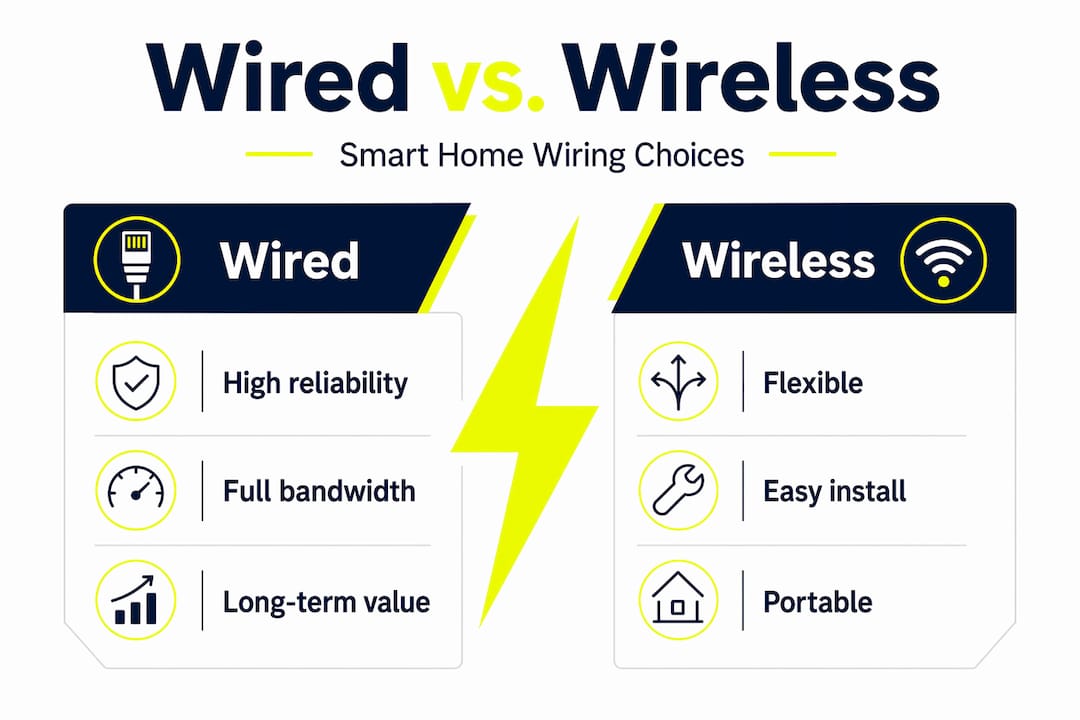
Comparison: Wired vs. wireless smart device installation
| Factor | Wired installation | Wireless installation |
|---|---|---|
| Reliability | Very high, consistent signal | Varies with interference and range |
| Speed/latency | Low latency, predictable | Can fluctuate |
| Installation cost | Higher upfront | Lower upfront |
| Future flexibility | Excellent with conduit | Easy to add/move devices |
| Best for | Cameras, network, core controls | Lights, plugs, sensors |
| Code considerations | Must follow NEC guidelines | Fewer physical code concerns |
Pro Tip: When running cable during a renovation or new build, always pull one or two spare Cat6 runs to locations you are not sure about yet. The cost of extra cable is minimal. The cost of opening a finished wall later is not.
For homeowners ready to start, our electrical services overview covers the full range of work that supports smart home upgrades. If you are in Edmond specifically, we also handle electrical upgrades in Edmond tailored to local homes and building styles.
Types of smart home wiring and device requirements
Not all smart devices speak the same language when it comes to wiring. Smart devices may rely on different wiring types, from low-voltage data to 120/240V power and 24V HVAC control. Mixing power and data in the same conduit or raceway can cause electrical interference and may violate code requirements under the National Electrical Code (NEC).
Here is a practical breakdown of common smart device categories and what they actually need behind the wall:
| Device type | Wiring required | Voltage/signal type |
|---|---|---|
| Smart thermostat | Control wire | 24V AC, multi-conductor |
| Wireless access point | Ethernet | Cat6/Cat6A data |
| Smart lighting (hardwired) | Line voltage | 120V AC |
| Security cameras | Ethernet + power | Cat6 with PoE (Power over Ethernet) |
| Smart locks | Low-voltage or battery | 12V DC or battery |
| EV charger | Dedicated circuit | 240V AC, 40–60A |
| Smart panel/subpanel | Heavy gauge wire | 240V service |
| Video doorbell | Low-voltage or data | 16–24V AC or Cat6 |
Common mistakes that cause problems in smart wiring installations:
- Running data cables and power cables through the same conduit, causing signal interference
- Using Cat5e instead of Cat6 for new installations, limiting future performance
- Failing to install a neutral wire at switch locations, which many smart switches require
- Skipping conduit in finished areas, making future upgrades nearly impossible
- Not accounting for the added load of smart devices on older electrical panels
If you want to maximize electrical efficiency in your Edmond or OKC home, wiring decisions like these matter more than most people realize. For businesses, the stakes are even higher. Our commercial wiring efficiency guide goes deeper on how proper installation protects both equipment and operating costs. For homeowners looking at a broader scope of upgrades, check out the best electrical upgrades for properties in this region.
Smart home wiring and energy efficiency: what actually works
Here is where expectations and reality often part ways. Many homeowners assume that adding smart devices automatically translates into lower electric bills. That is not always true. The actual energy savings depend heavily on which devices you install and whether they are wired to operate the way they are designed to.
The single biggest return on investment in smart home energy upgrades comes from smart thermostats. Smart thermostats offer 8–15% heating and cooling cost savings and represent a more dependable source of ROI than many plug-and-switch-only upgrades. In Oklahoma’s climate, where summer cooling and winter heating loads are both significant, that range of savings adds up fast.
Top energy-saving smart devices and practices that actually deliver results:
- Smart thermostats with proper HVAC control wiring: Requires a clean 24V multi-conductor run and often a C-wire (common wire) for consistent power
- Occupancy-based smart lighting controls: Sensors that cut power to lights in unoccupied rooms reduce lighting energy by 20–30% in commercial applications
- Smart power strips and plugs: Eliminate standby power draw from electronics, which can account for up to 10% of home energy use
- Whole-home energy monitors: Wired directly to the panel, these give you real-time data on which circuits are consuming the most power
- Automated shade and HVAC integration: Reduces solar heat gain in summer, cutting cooling loads in OKC’s intense afternoon sun
Pro Tip: Before investing in smart energy devices, get a baseline reading on your current electrical system. A professional electrical assessment will reveal which circuits are overloaded, where energy is being wasted, and which upgrades will deliver the best return for your specific home or building.
The mistake most people make is buying devices first and planning second. A smart plug on an outdated circuit in a home with a failing panel is not an energy upgrade. It is a temporary fix layered on an underlying problem. Real efficiency starts with the professional electrical services that assess and improve what is already there.
A smarter path: what most guides miss about smart home wiring in Edmond and OKC
Most articles about smart homes spend 90% of their focus on which brand of thermostat to buy or whether smart bulbs are worth it. That is not the conversation that actually matters for homeowners and business owners in this area.
What we see again and again in Edmond and OKC projects is this: people invest in devices before investing in infrastructure. They buy a multi-camera security system, only to find that their Wi-Fi does not reach the back of the property. They install a smart thermostat and discover there is no neutral wire at the thermostat location. They add smart lights to circuits that were never designed for dimming loads. Each of these problems was preventable with ten minutes of planning and the right wiring from the start.
The honest reality is that wireless connectivity is genuinely good for many device categories. Motion sensors, smart plugs, and battery-powered locks all work fine on wireless protocols. But the systems that keep your home or business running, your network backbone, your cameras, your HVAC control, your alarm system, those need wired connections. Not because wireless is bad, but because you cannot afford them to drop offline at a critical moment.
The blueprint we recommend for Edmond and OKC properties: start by deciding which systems are mission-critical. Wire those first, run them through conduit, and terminate them at a properly placed rack. Then layer in wireless devices for everything else. Add spare conduit runs while walls are open. Separate your power and data pathways from day one. These are not complex decisions, but they require someone who knows local building codes, understands the NEC, and has experience with how these systems interact.
The local wiring workflow insights we apply to every project reflect years of working in homes and businesses throughout this metro area. The goal is always the same: a system that works reliably today and can be expanded without starting over.
Ready to upgrade? Connect with Edmond and OKC’s smart home wiring experts
A well-planned smart home wiring project is one of the most valuable investments you can make in your Edmond or OKC property. It adds convenience, reduces energy costs, and protects your investment in every smart device you add.

At Shepherd Electrical, we handle every aspect of smart home wiring from initial assessment and infrastructure planning through final installation and testing. Our electrical contractors in OKC understand the local codes, climate conditions, and building styles that affect how wiring should be designed for this region. Explore our full electrical services overview or go directly to our residential electrician services to schedule a consultation. We will help you plan an upgrade that is safe, efficient, and built to last.
Frequently asked questions
Can smart home wiring work with older homes in Edmond and OKC?
Yes, retrofitting older homes is absolutely possible. Pre-wiring with conduit during renovations makes future upgrades much simpler without requiring extensive wall openings every time.
Is wireless smart home installation ever better than wiring?
Wireless works well for non-critical devices like sensors, plugs, and battery-powered locks. However, wired infrastructure is recommended for reliability-sensitive systems like cameras, network access points, and HVAC controls where low latency and consistent uptime matter.
How much does smart home wiring improve energy efficiency?
Smart thermostats reduce heating and cooling costs by 8–15%, but your actual savings depend on your home’s baseline energy usage and how well the underlying wiring supports the system.
Are there code or safety issues to watch for with smart wiring?
Yes. Mixing power and data in the same pathways can cause interference and violate NEC code requirements, so proper separation and pathway design are essential parts of any professional smart wiring installation.
Recommended
- Best Electrical Upgrades for Edmond and OKC Homes
- Top Residential Electrical Upgrades for Edmond Homeowners
- Maximize Home Electrical Efficiency: Tips for Edmond & OKC
- Residential electricians: duties, costs & safety in Edmond
Need help with this at your home?
Shepherd Electrical helps Edmond and OKC metro homeowners with residential installs, wiring upgrades, fans, lighting, and electrical improvements. Free estimates are available, and workmanship is backed by a lifetime guarantee.